Loading...

BMET CABLES

How to use BMET CheckApp

How to Use the BMET Check App

The BMET Check App is designed to help customers verify the authenticity of BMET products and avoid counterfeit cables.

To use the BMET Check App, simply follow these steps:
  1. Open the app on your mobile device.
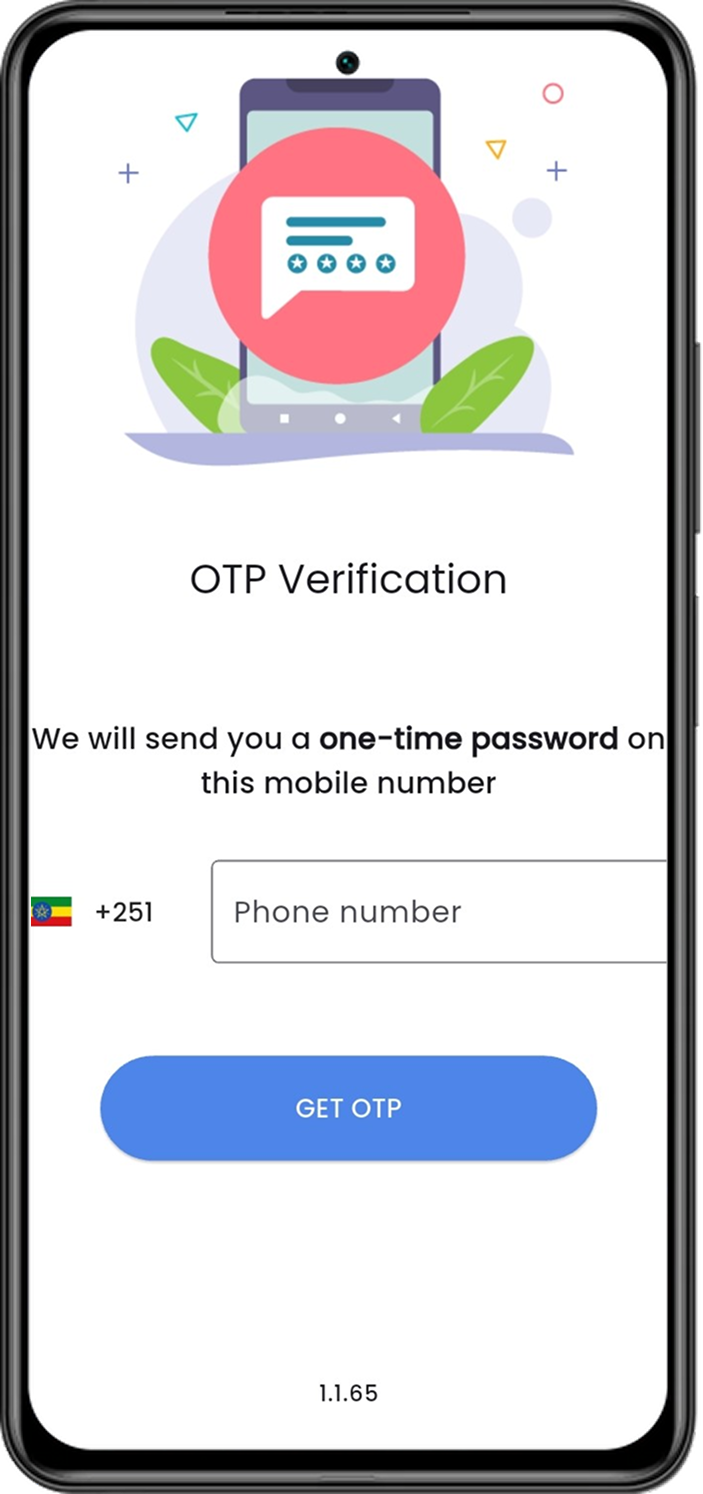
  2. Enter your mobile number on the login screen to receive an OTP.
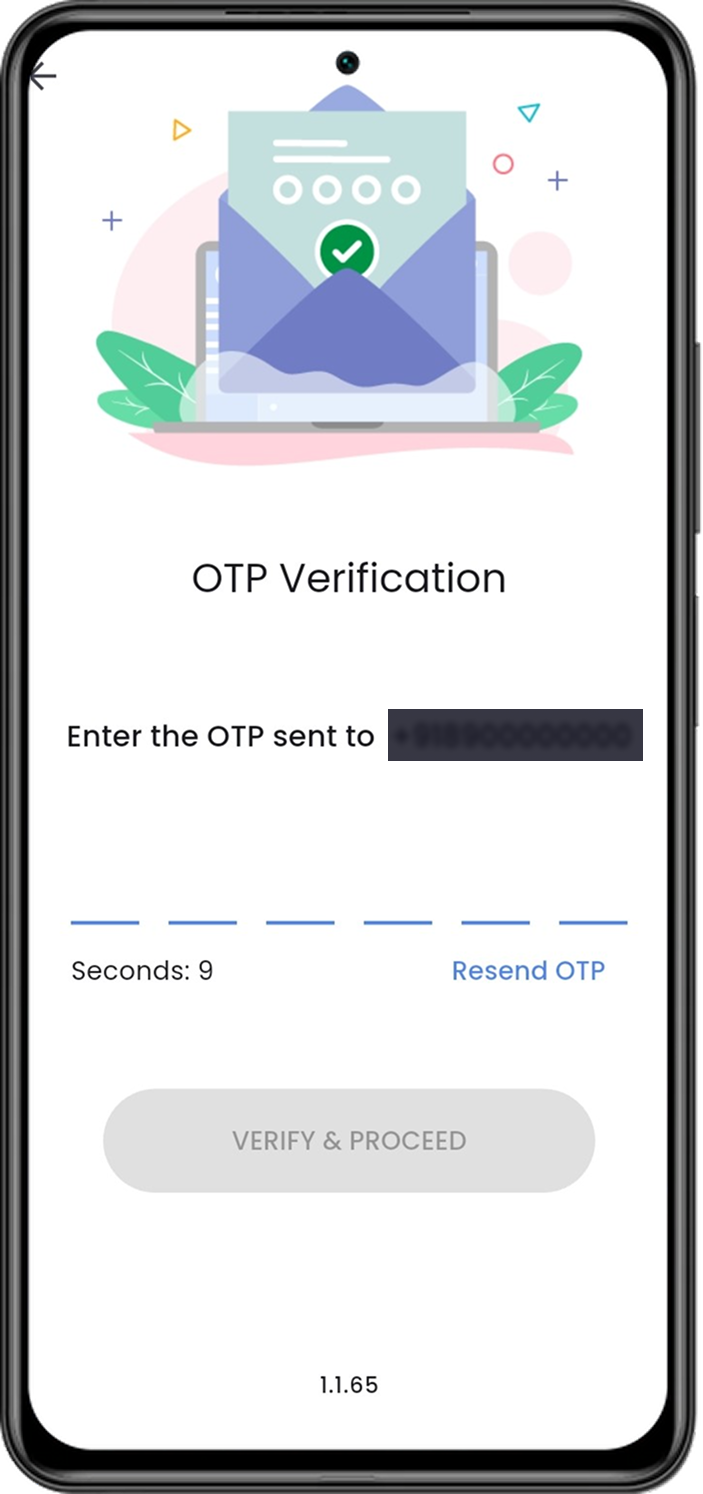
  3. Enter the OTP received on your mobile to verify your identity and proceed.
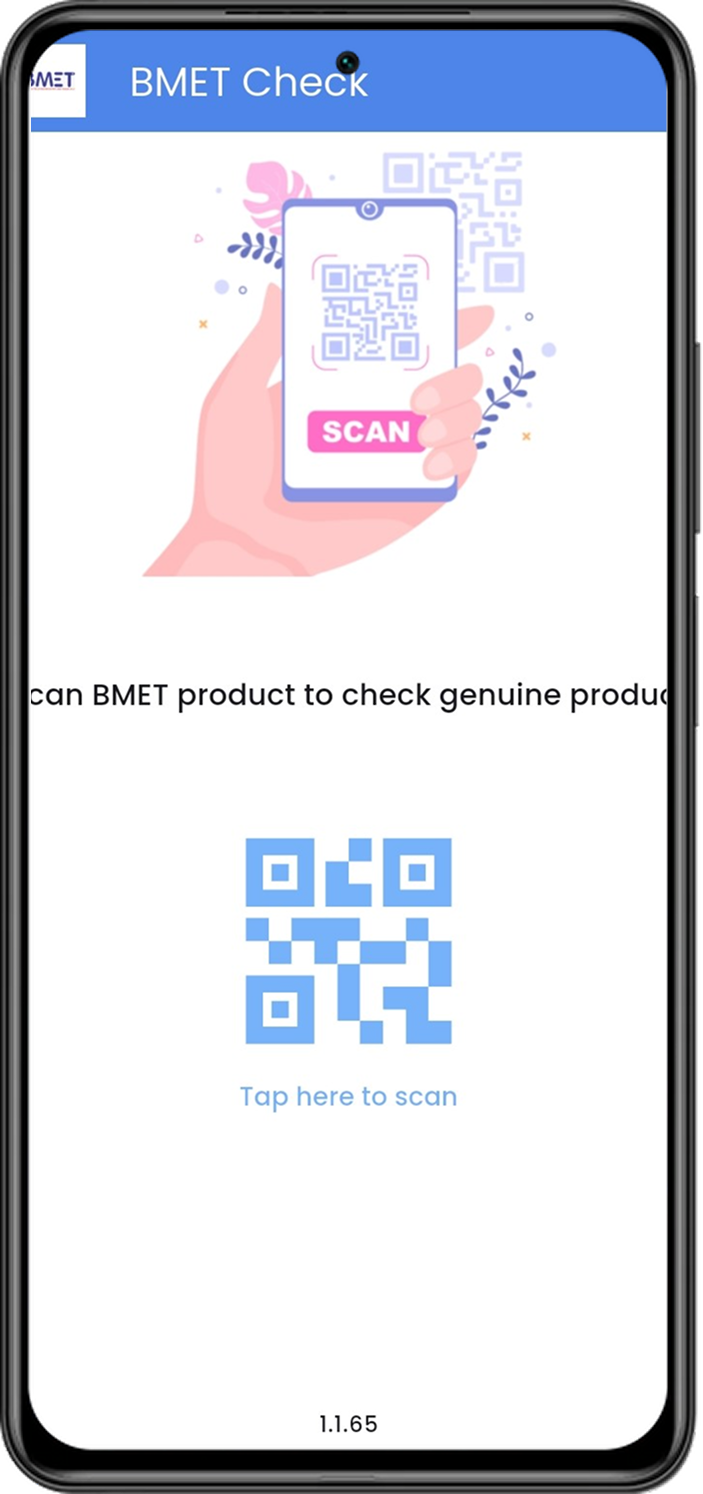
  4. Use the app's built-in QR code scanner to scan the QR code on the BMET product packaging.
  5. Wait for the app to send the scanned data to our server for validation.
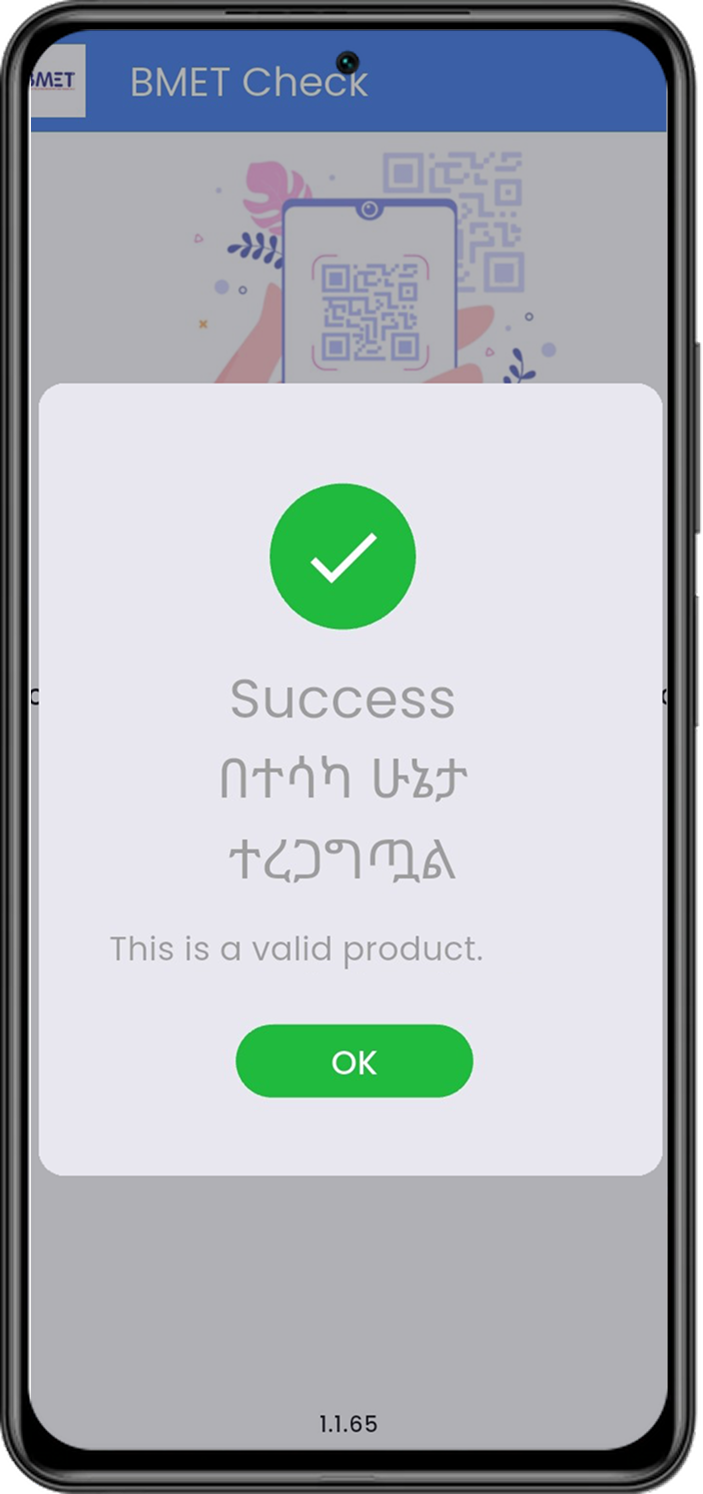
  6. Receive instant feedback on whether the product is genuine or not.
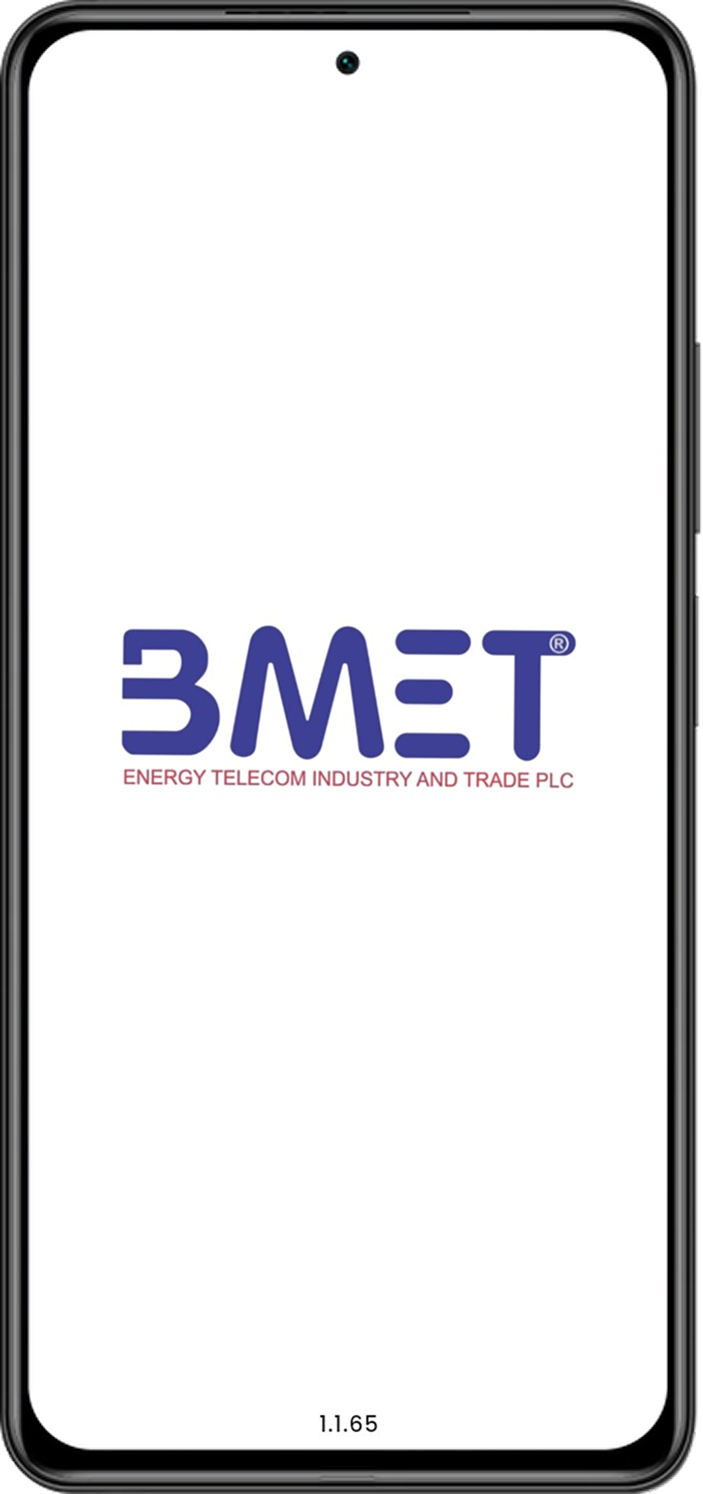
App Splash Screen

1. Open the Bmet Check App

Enter Mobile Number

2. Enter Mobile Number

OTP Verification

3. Enter OTP to Verify

Scan QR Code

4. Scan the Product QR Code

Validation Process

5. Valid Product

Invalid Product

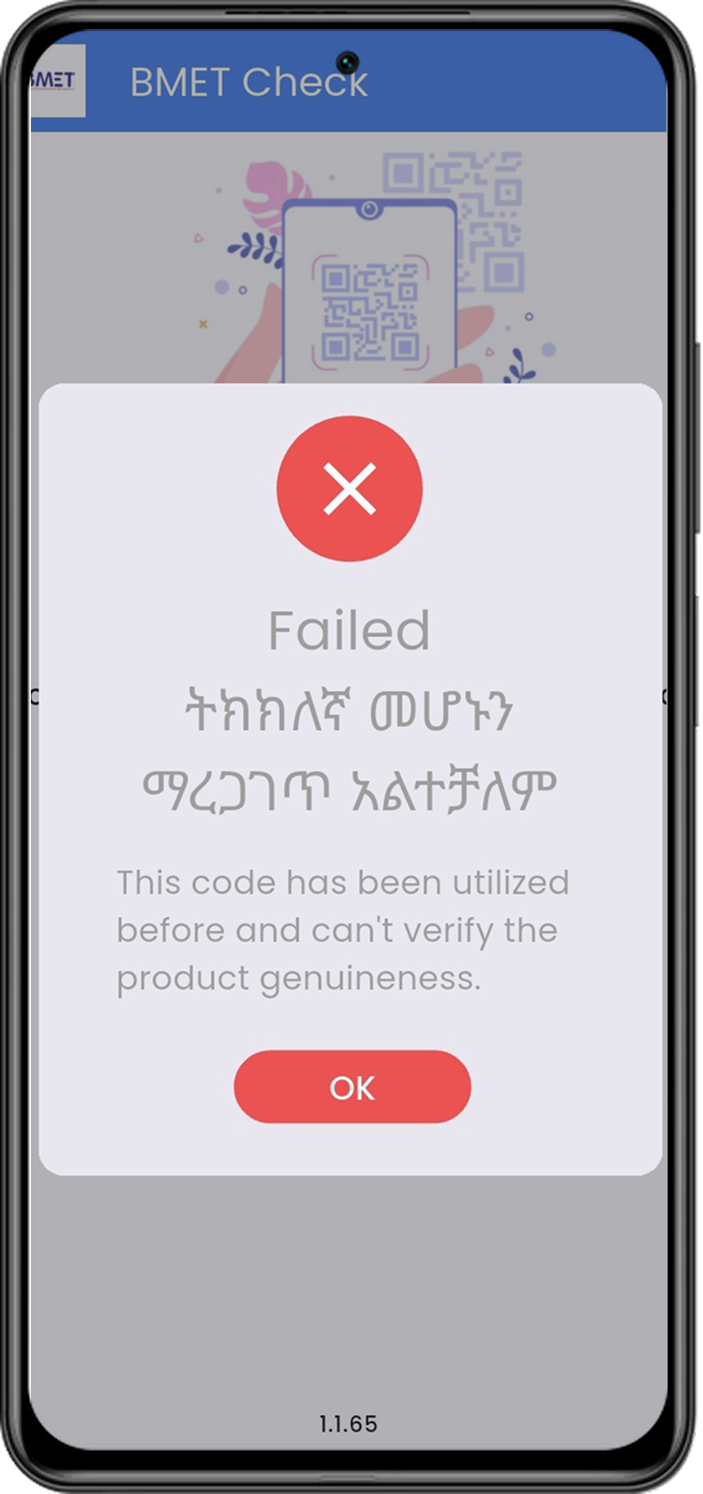
6. Failed product (Valid Products scanned more than once)
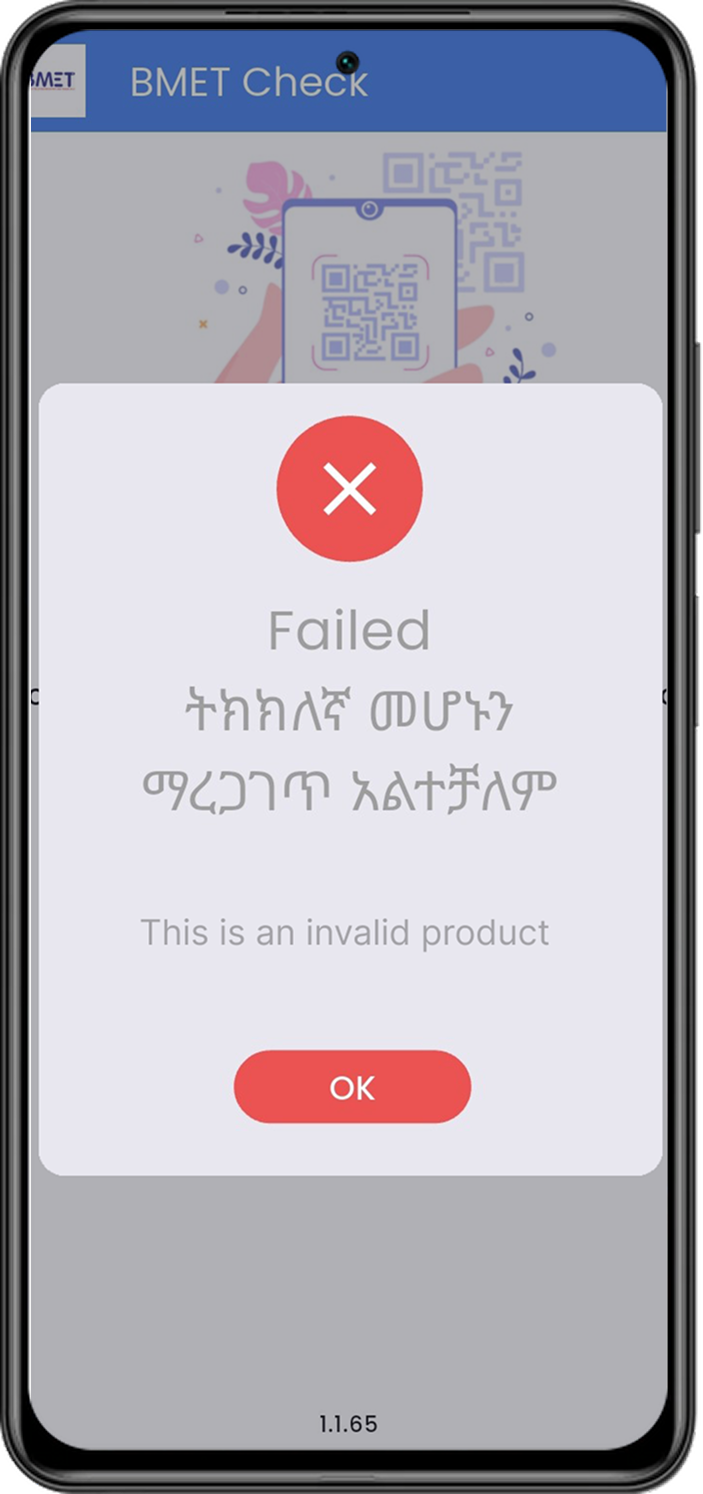
Invalid Product

7. Invalid Product

Get It on Play Store

Download the BMET Check App from the Google Play Store to get started.

Get it on Google Play